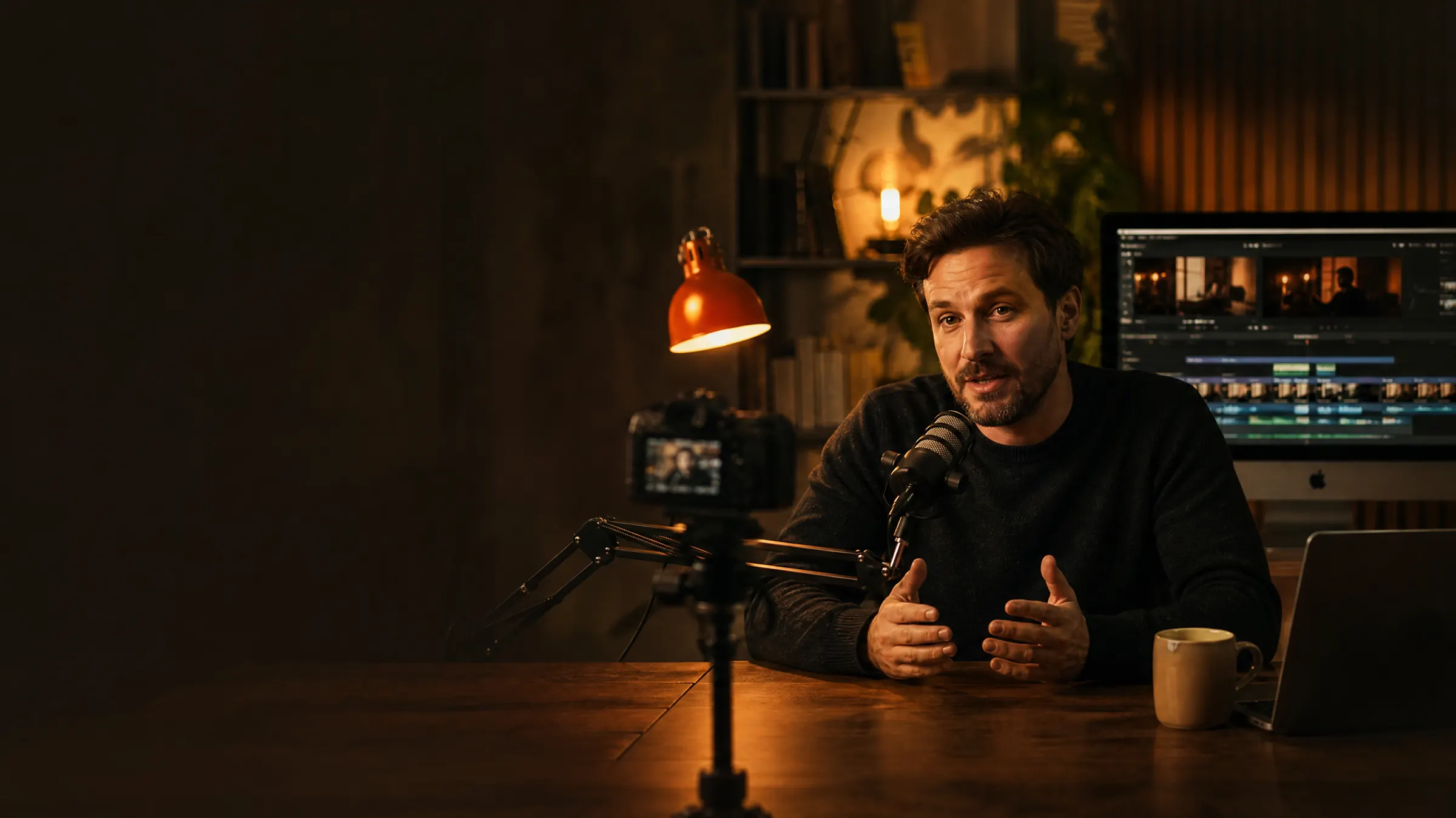
For YouTube tutorial creators
You shoot the facecam.
Macreto does the rest.
Your screen recordings and a few minutes of facecam become a finished YouTube video with slides, music and thumbnails. Plus Shorts for every channel. No editing software, no editor, no late nights.
Hosted in Germany Cancel monthly Your voice, your rights
Before and after
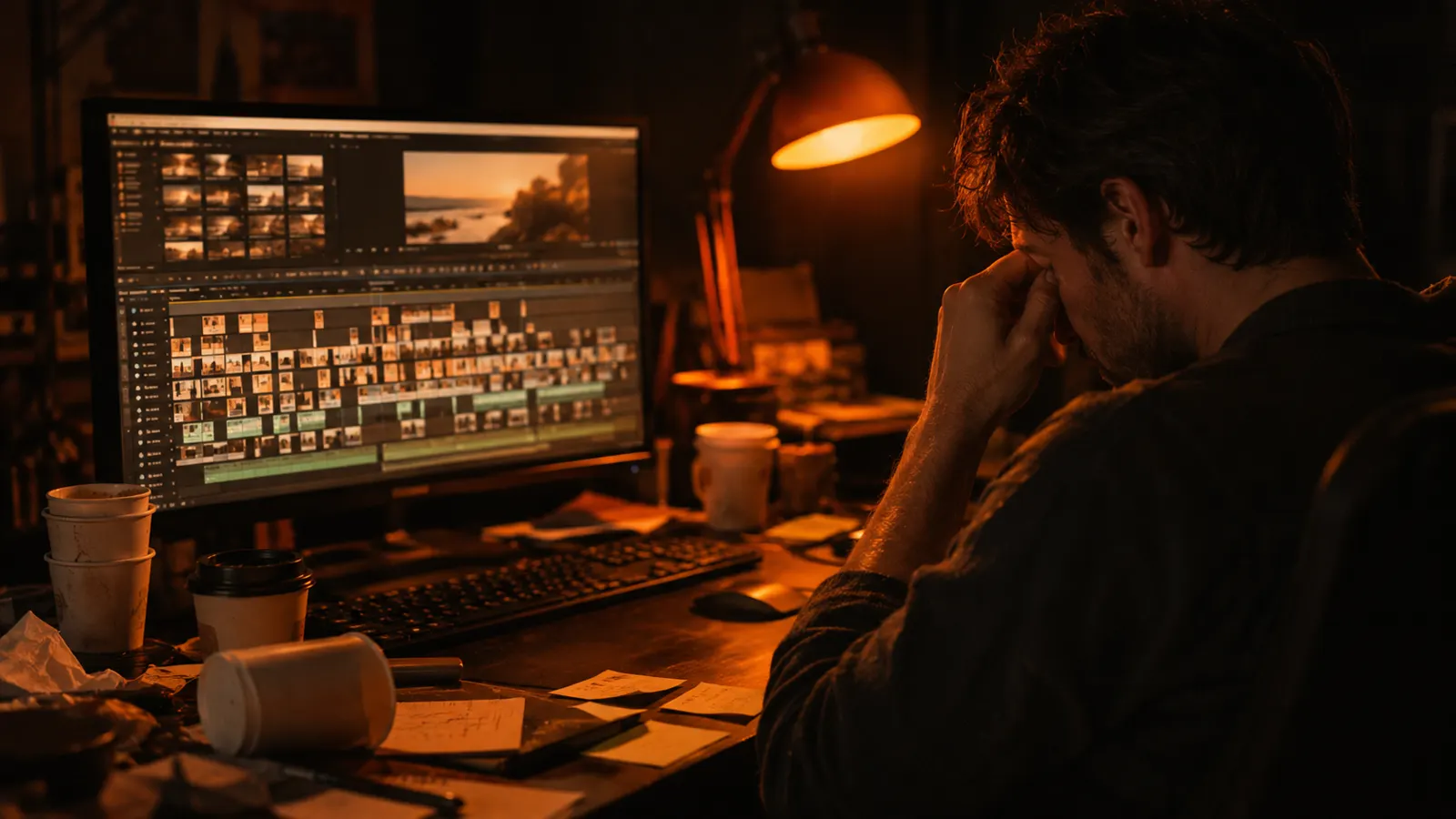
No more late nights in your editing software.
 AI image
 AI image
Your time per video · example
Editing yourself
7 hrs
With Macreto
30 min
Example for a 12-minute tutorial. How long it takes for you depends on your footage and your standards.
15–20 hrs
a week is what many creators spend on editing, graphics and posting.
€200–500
is what a good editor charges per video. Shorts not included.
1 click
and you get the full package: video, thumbnails, copy, Shorts.
How it works
Four steps. Only one needs you on camera.
 AI image01
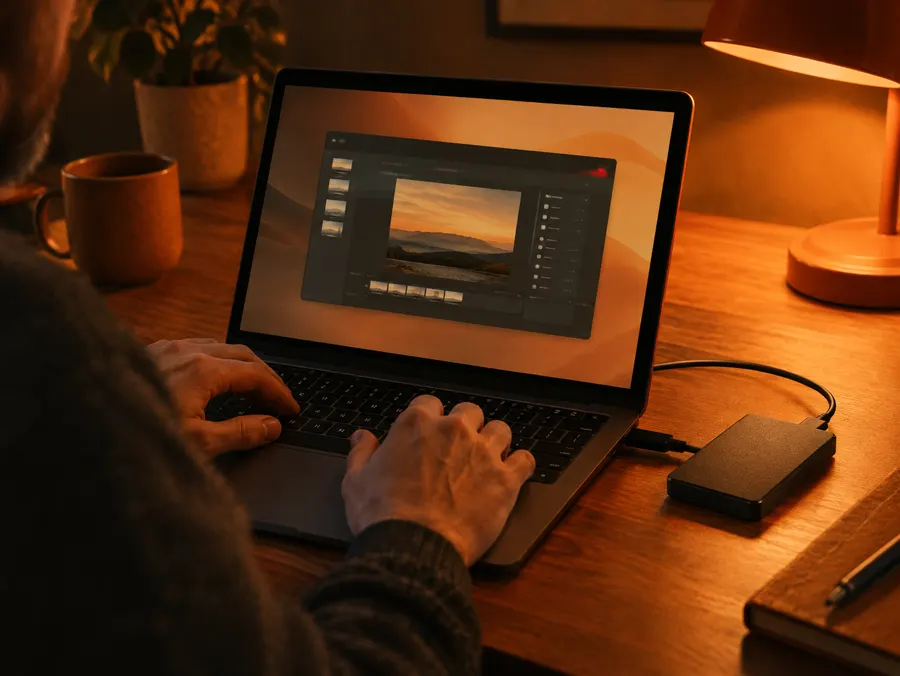
Upload tutorials
Your screen recordings, just as they are. Slip-ups, pauses and detours included.
 AI image02
Get your script
The AI researches your topic, reviews everything and writes your facecam script in your voice.
 AI image03
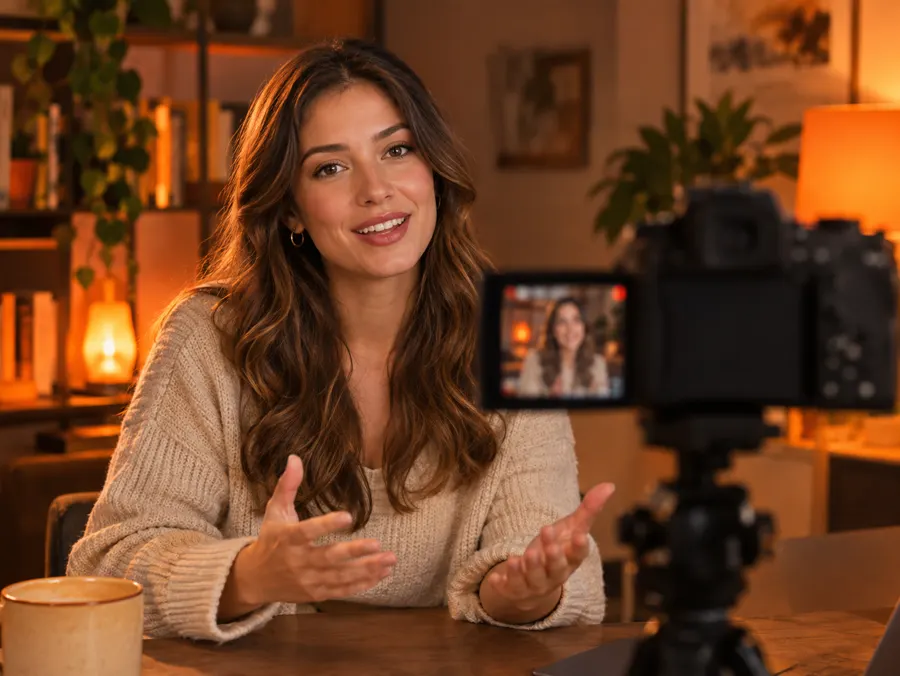
Record the facecam
You record your script. That's the one part only you can do.
← that's you
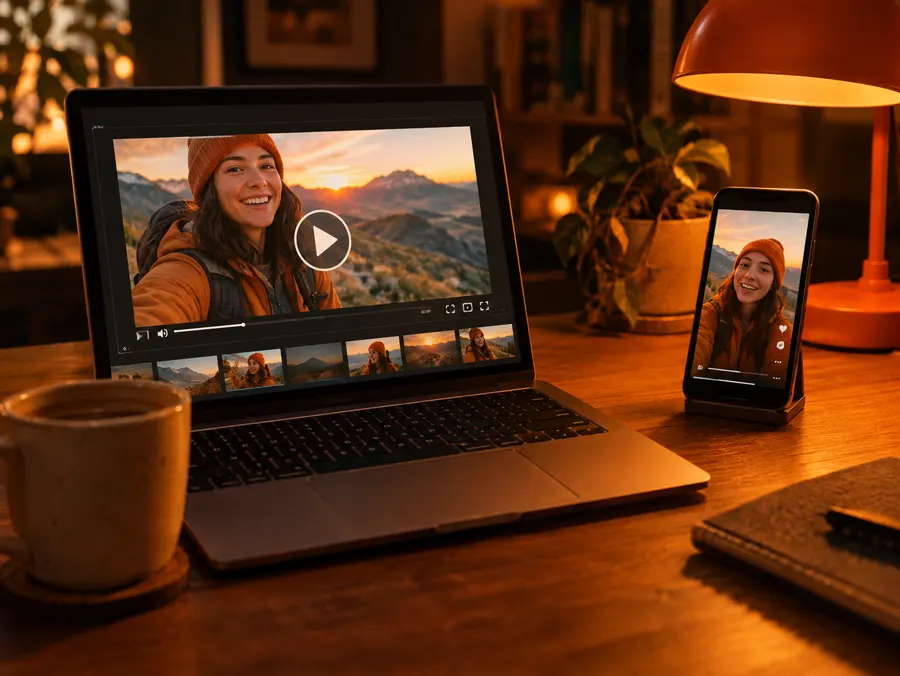 AI image04
Ready to upload
Editing, slides, animations, music, thumbnails, description. Plus Shorts for every channel.
What Macreto looks like
You decide. Macreto delivers.
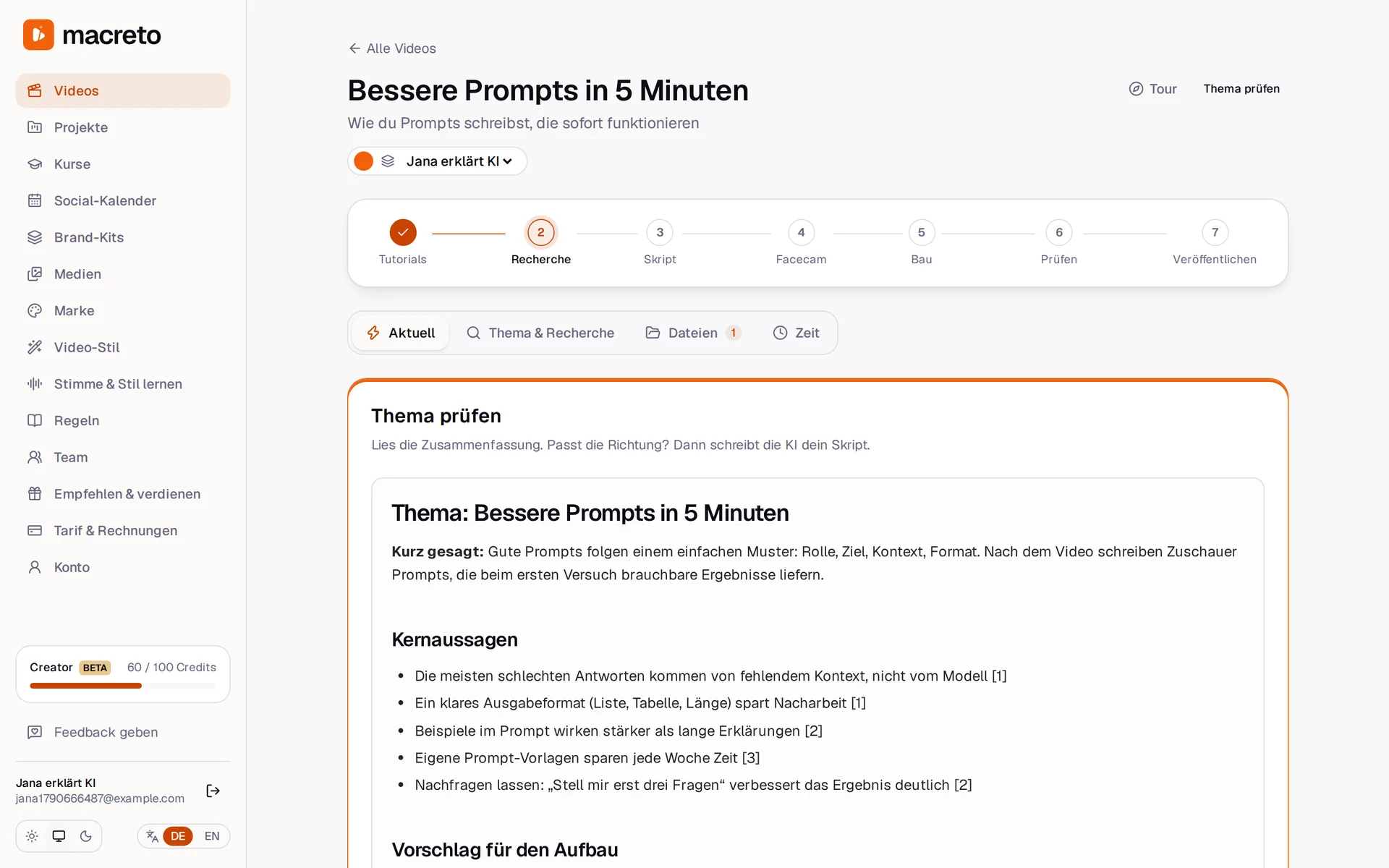
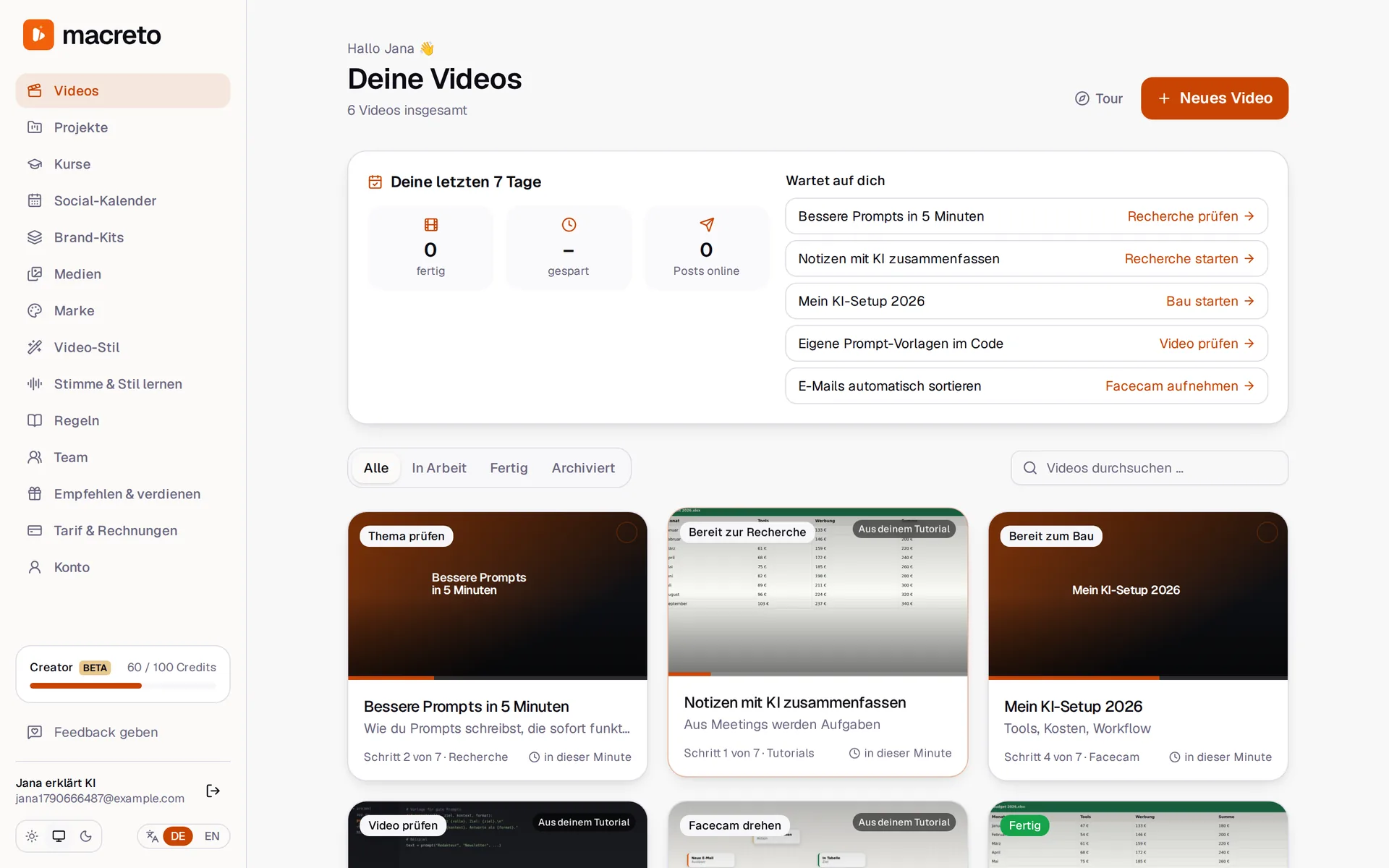
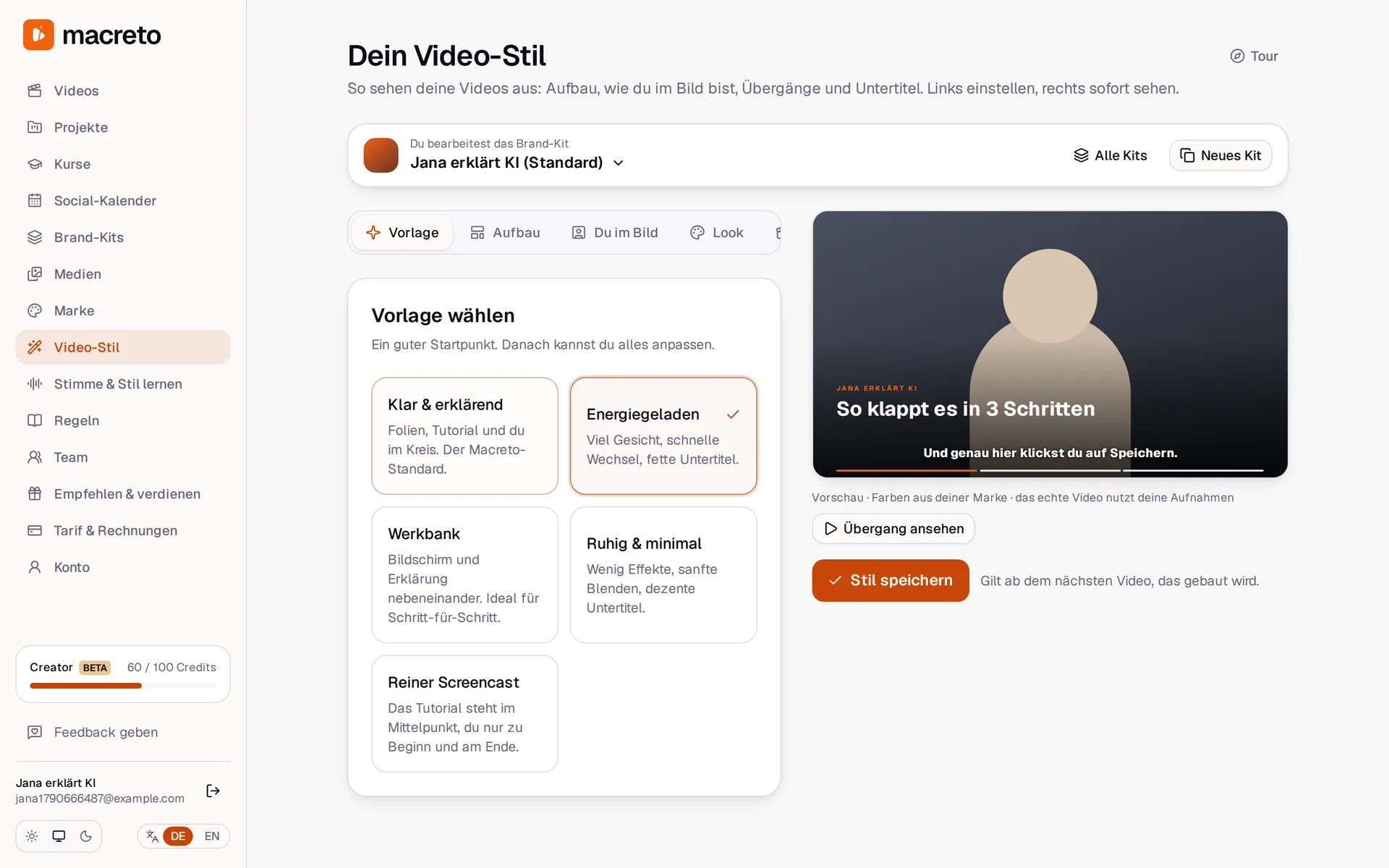
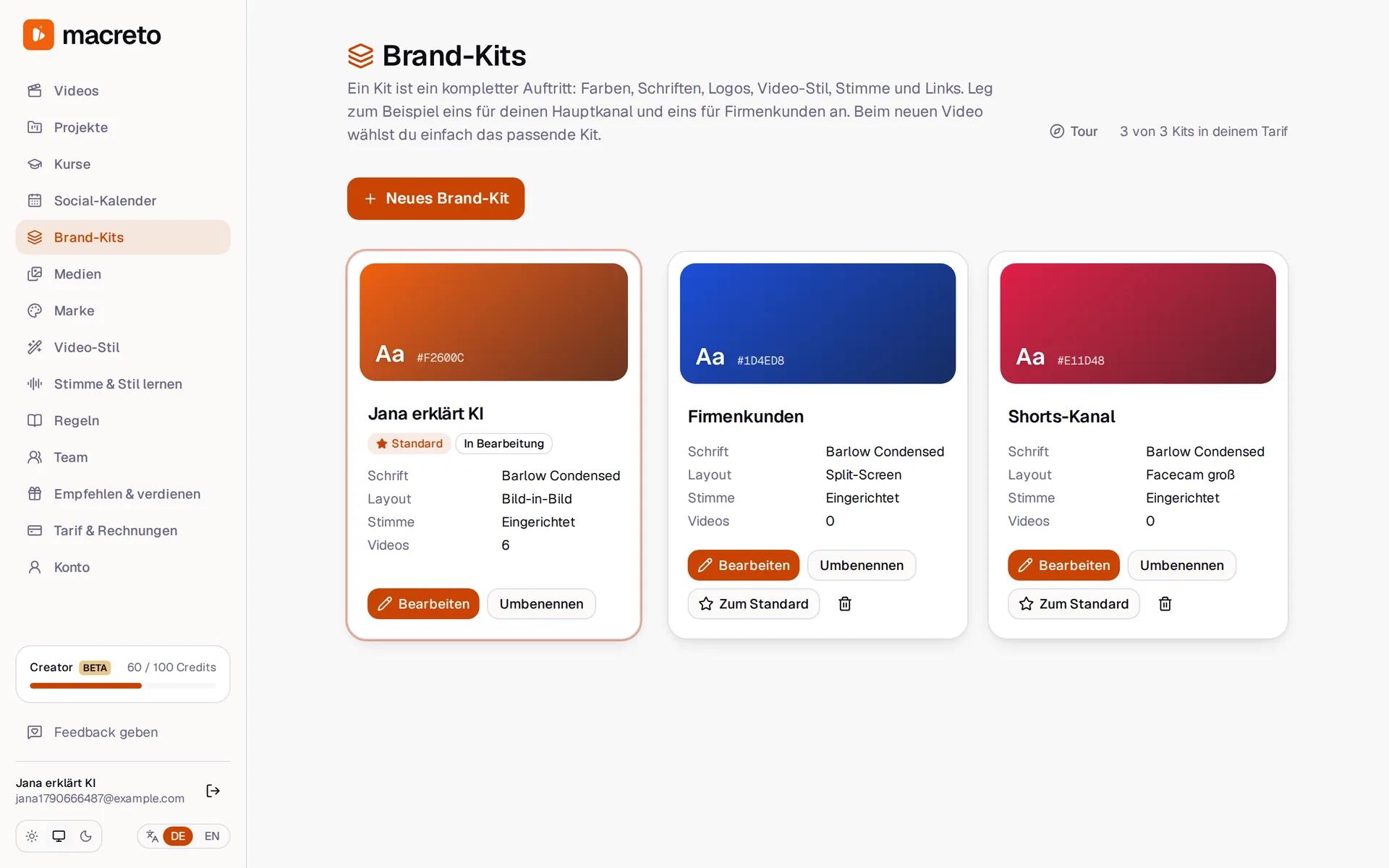
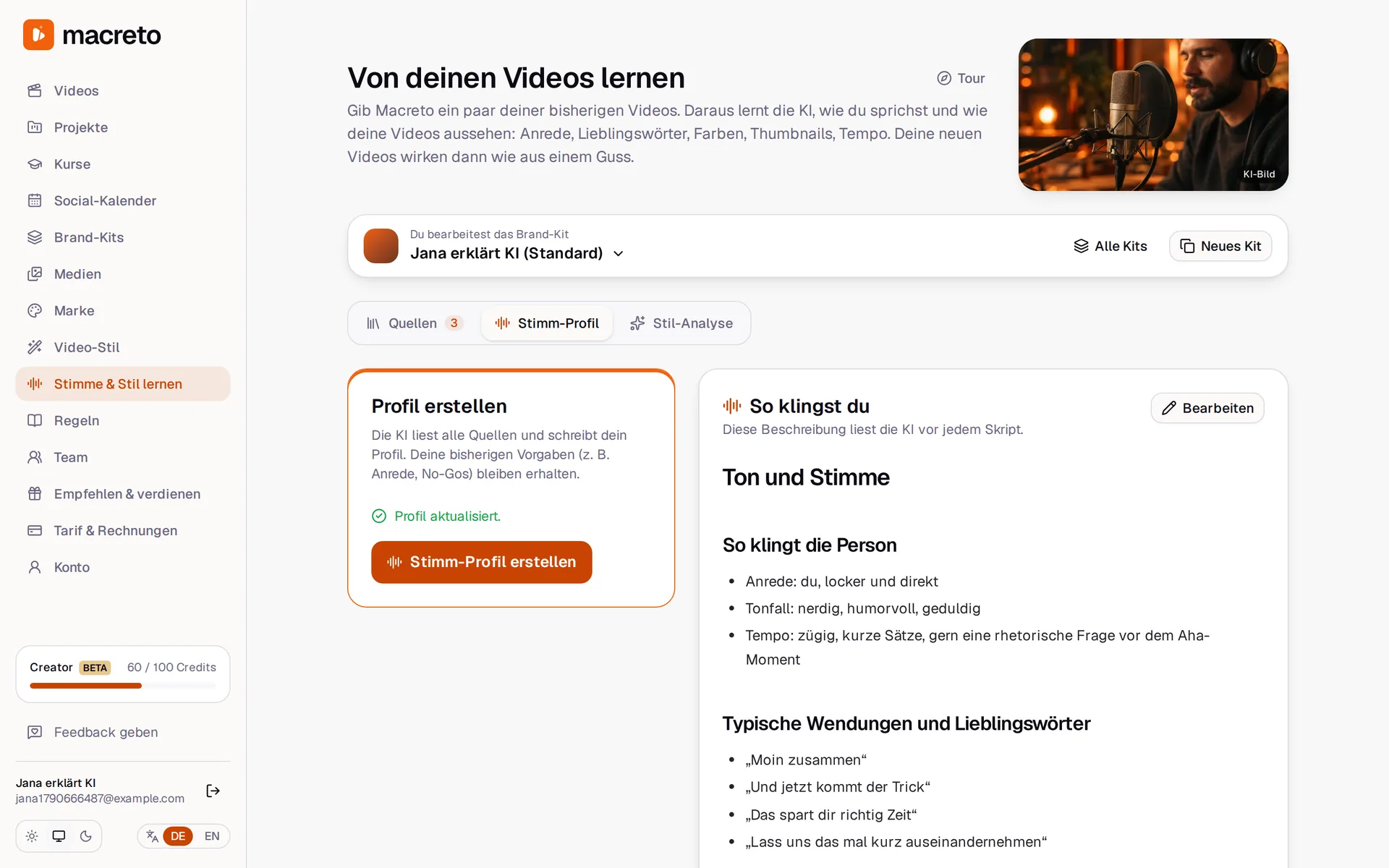
What you get
The whole chain. Not just clips.
You provide
Tutorials
Your screen recordings
Facecam
A few minutes of you
macreto
You get
YouTube video
Edited, with slides & music
3 thumbnails
In your channel's style
Title & description
With chapters and tags
Shorts
Vertical with subtitles
Social posts
Ready in your calendar
Finished YouTube video
Plus a longer deep-dive version for your community.
Slides & animations
Chapters, bullet points, zooms, karaoke subtitles. In your colors.
AI images in your style
Matched to every chapter, clearly labeled as AI.
Pro-grade audio
Slip-ups removed, music ducked under your voice, −14 LUFS.
Publishing package
3 titles, 3 thumbnails, description with chapters, tags, pinned comment.
Shorts & auto-posting
Vertical clips with subtitles, posts for every platform, scheduled on time.
Gets better with every video
Just say what you don't like. Macreto makes the change and remembers what applies in general in its learning book. You can view and edit the learning book anytime.
Comparison
Editor, clip tool or Macreto?
| Editor | Clip tools | Macreto | |
|---|---|---|---|
| Turns raw footage into a finished video | |||
| Script for your facecam | |||
| Slides, animations, AI images | pricey | ||
| Titles, thumbnails, description | |||
| Shorts + scheduled posts | extra | ||
| Speaks your language, learns your style | |||
| Price per video | €200–500 | clips only | from €12 |
“from €12”: Starter plan, €49 for 4 videos per month. Clip tools like Opus Clip or Submagic only cut clips from finished videos.
Pricing
A video costs you less than an hour of an editor's time
Starter
To get started
€49 / month
≈ €12 per video
- 40 credits per month (≈ 4 videos)
- Script, editing, slides, music, thumbnails
- Publishing package
- “Made with Macreto” end card
Creator
For a weekly rhythm
€149 / month
≈ €15 per video
- 100 credits per month (≈ 10 videos)
- Shorts & reels from every video
- Schedule social posts automatically
- 3 brand kits
- No Macreto end card
Pro
For heavy producers
€299 / month
≈ €12 per video
- 250 credits per month (≈ 25 videos)
- Everything in Creator
- 10 brand kits
- Priority in the queue
Your first video is free. After that it's monthly, cancel anytime. Prices include VAT.
Recommend Macreto and earn 30% for life
Every customer gets a personal link. You earn 30% on every subscription through it, every month.
 AI image
Join the beta
We're letting creators in in small groups. Beta creators get one month of the Creator plan for free.
Frequently asked questions
Do I need editing experience?
+
No. You upload your recordings, shoot your facecam from the script and approve the result. You describe changes in plain words, e.g. “music quieter, shorter intro”.
Will the video sound like me?
+
Yes. When you start, we ask about your tone, how you address viewers and your typical phrases. Every correction goes into the learning book. So every video sounds more like you. The voice in the video is always your real voice.
How long does a video take?
+
Mostly it depends on how long your footage is. You don't have to sit and wait: we email you as soon as the next step is ready. Your own work: upload recordings, shoot the facecam, review the result.
Who owns the videos?
+
You do. You get the usage rights to the results. We only use your recordings for your videos, never to train AI models.
Where is my data stored?
+
On servers in Germany (Hetzner). We automatically delete raw recordings after 30 days without activity. You can export or delete your data yourself at any time.
Do I have to label AI content?
+
Macreto labels AI images in the video and sets the platform labels (e.g. YouTube, X) automatically when posting. We also provide the disclosure text for your description.
Can I cancel anytime?
+
Yes, monthly at the end of the billing period, with one click in your account or without logging in via “Cancel contracts here”.